
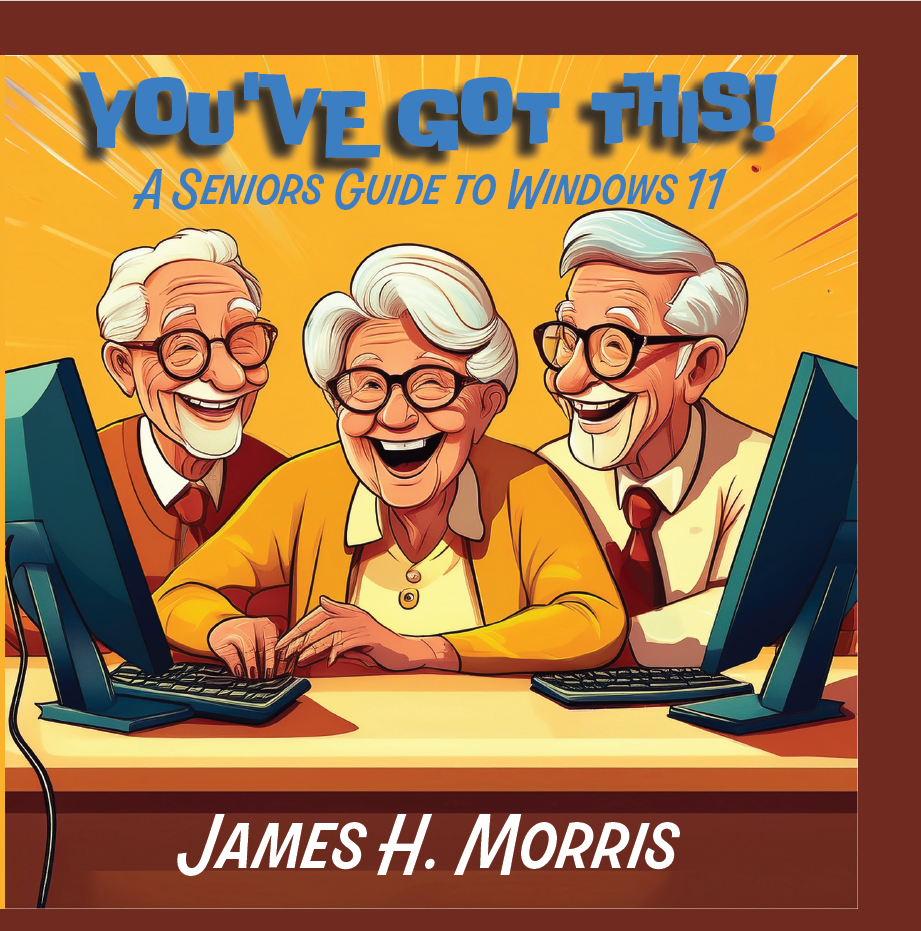
You've Got This!
A Seniors Guide to Windows 11
$25
This comprehensive guide empowers seniors to confidently use Windows 11 and explore technology’s benefits for daily life. It covers essential skills, online safety, and advanced tools tailored for older adults.
-
Highlights include mastering Windows basics, navigating Microsoft Edge, and organizing digital files efficiently.
-
Emphasizes staying safe online with strong passwords, scam awareness, and built-in security features.
-
Explores enriching uses like virtual travel, online communities, health apps, and future tech trends such as smart homes and AI assistants.
Introduction: Welcome to Your Technology Journey!
Why This Book?
If you’ve ever thought, “I’m too old to learn computers,” or “Technology is too complicated for me,” you’re not alone. Many seniors feel overwhelmed by computers, smartphones, and the internet. But here’s the good news: you CAN learn technology—and it’s easier than you think!
This book is designed especially for seniors who want to understand and use Windows 11 with confidence. Whether you’re a total beginner or someone looking to expand your skills, you’ll find simple, step-by-step explanations and real-life examples to help you succeed.
What You’ll Learn
This isn’t a boring instruction manual full of technical jargon. Instead, you’ll find easy-to-follow guidance on:
✔ Navigating Windows 11 – Understand the desktop, Start menu, and basic tools.
✔ Browsing the Internet Safely – Learn how to use Microsoft Edge, avoid scams, and find reliable information.
✔ Staying Connected – Video calling, email, and social media made simple.
✔ Organizing Your Digital Life – Keep your files, emails, and apps tidy.
✔ Using Technology for Fun & Learning – Explore music, movies, online games, and virtual travel.
✔ Enhancing Your Well-being – Discover exercise videos, meditation apps, and health tracking tools.
✔ The Future of Technology – Learn about smart homes, voice assistants, and emerging tech for seniors.
Each chapter builds on the last, so by the end of this book, you’ll feel comfortable, confident, and even excited about using your computer!
Who Is This Book For?
🔹 Complete Beginners – If you’ve never used a computer before, this book will walk you through everything step by step.
🔹 Seniors Who Want to Improve Their Skills – Maybe you can send emails but want to learn video calling or online banking.
🔹 Anyone Who Feels Frustrated by Technology – If you’ve ever said, “I don’t understand this stuff,” this book will make it simple and enjoyable.
How to Use This Book
💡 Go at Your Own Pace – You don’t have to read everything at once. Each chapter is designed to be short, clear, and practical.
💡 Follow the Step-by-Step Instructions – Easy-to-follow guides will help you master new skills.
💡 Use the Pro Tips – Throughout the book, you’ll find Pro Tips that offer shortcuts, extra insights, and time-saving tricks.
💡 Practice as You Learn – The best way to remember new skills is to try them yourself as you go.
What You Don’t Need to Worry About
❌ You don’t need to be a tech expert—this book explains everything in plain English.
❌ You won’t be overwhelmed with unnecessary details—just the most useful and important features.
❌ You don’t have to be afraid of making mistakes—mistakes are part of learning!
The Truth About Learning Technology
Many people believe that young people are naturally better at technology than seniors, but that’s not true! The real difference is that younger people grew up using computers daily, while many seniors were never taught.
But here’s the secret: technology is just a tool—and like any tool, it becomes easier the more you practice.
Let’s Get Started!
This book will help you feel confident, independent, and empowered in using Windows 11 and the internet. By the time you finish, you’ll no longer say, “I don’t understand computers.” Instead, you’ll say, “I’ve got this!”
So, grab a cup of coffee, sit back, and let’s begin your technology journey!